

Download Drag And Drop Puzzle – Educational Game, Kids Learning, Problem-Solving, Hand-Eye Coordination
Overview
Drag And Drop Puzzle is a mobile application designed to support early childhood development through interactive, playful learning. The app offers a simple yet effective platform where young learners engage with puzzles using drag-and-drop mechanics, fostering cognitive and motor skill growth in a fun environment. Its primary purpose is to help children enhance problem-solving abilities, logical thinking, and hand-eye coordination, all while enjoying vibrant visuals and intuitive gameplay. The target audience includes toddlers and preschool-aged children who are just beginning to explore puzzles and spatial reasoning tasks.
The app is tailored for young learners, with puzzles structured as 2x2 grids, ensuring accessibility for the youngest users. This design choice reduces frustration and allows children to experience success early on, reinforcing confidence and motivation. Real-world use cases include home learning sessions, classroom activities, and quiet time engagement for children who benefit from structured yet playful tasks. The app contributes positively to the educational mobile ecosystem by offering a lightweight, focused tool that prioritizes developmental outcomes over excessive features or advertisements.
Although the developer did not provide additional background details, the app’s design and functionality suggest a deliberate focus on child-centered learning. The emphasis on visual appeal and simplicity aligns with best practices in early childhood digital education. By combining entertainment with skill-building, Drag And Drop Puzzle fills a niche in the mobile app space where quality, age-appropriate content is essential for young users.
Key Features & Functionality
- Engaging Gameplay: The core mechanic revolves around dragging puzzle pieces and placing them into the correct positions. This interactive approach keeps children actively involved, encouraging sustained attention and repeated attempts to solve each puzzle.
- Colorful Visuals: Bright, high-contrast images are used to capture children’s interest and maintain focus. The visual design supports cognitive engagement by providing clear, recognizable subjects that are easy for young minds to process.
- Skill Development Focus: Each puzzle is designed to stimulate problem-solving, logical sequencing, and fine motor coordination. As children manipulate pieces, they practice spatial awareness and trial-and-error reasoning, essential components of early cognitive development.
- Age-Appropriate Design: The 2x2 puzzle layout ensures that the challenge level is suitable for toddlers and preschoolers. This simplicity allows children to complete puzzles independently, promoting a sense of achievement.
- Encourages Creativity: While the goal is to complete the puzzle correctly, the variety of images and the freedom to experiment with piece placement allow for imaginative exploration. Children may discover alternative arrangements, fostering creative thinking within a structured framework.
For example, a child might be presented with a puzzle of a colorful animal. They must drag each piece to its correct location. As they do so, they learn about shapes, patterns, and spatial relationships. This repeated interaction builds foundational skills that support future learning in math, reading, and logic.
Interface, UX & Performance
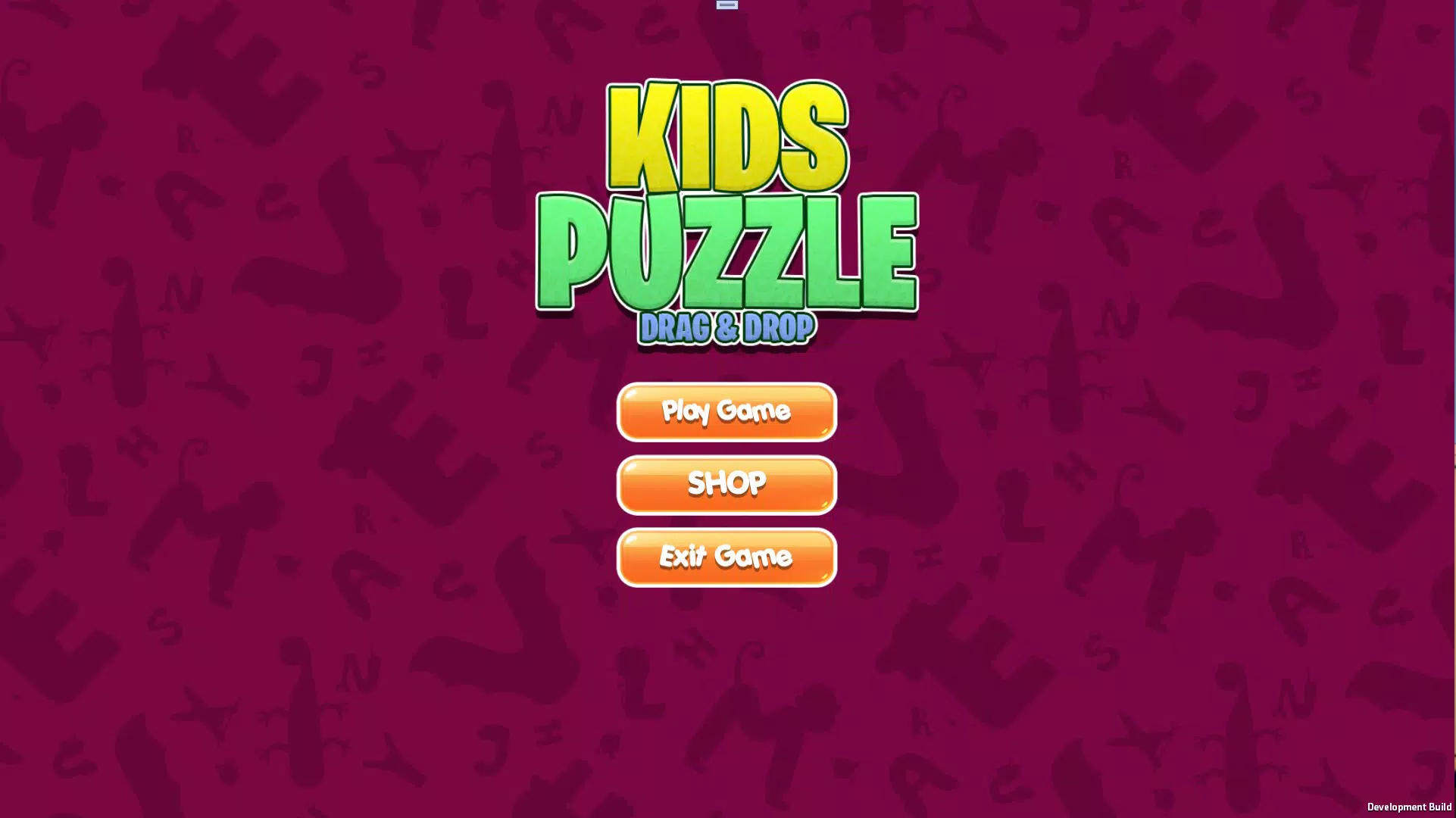
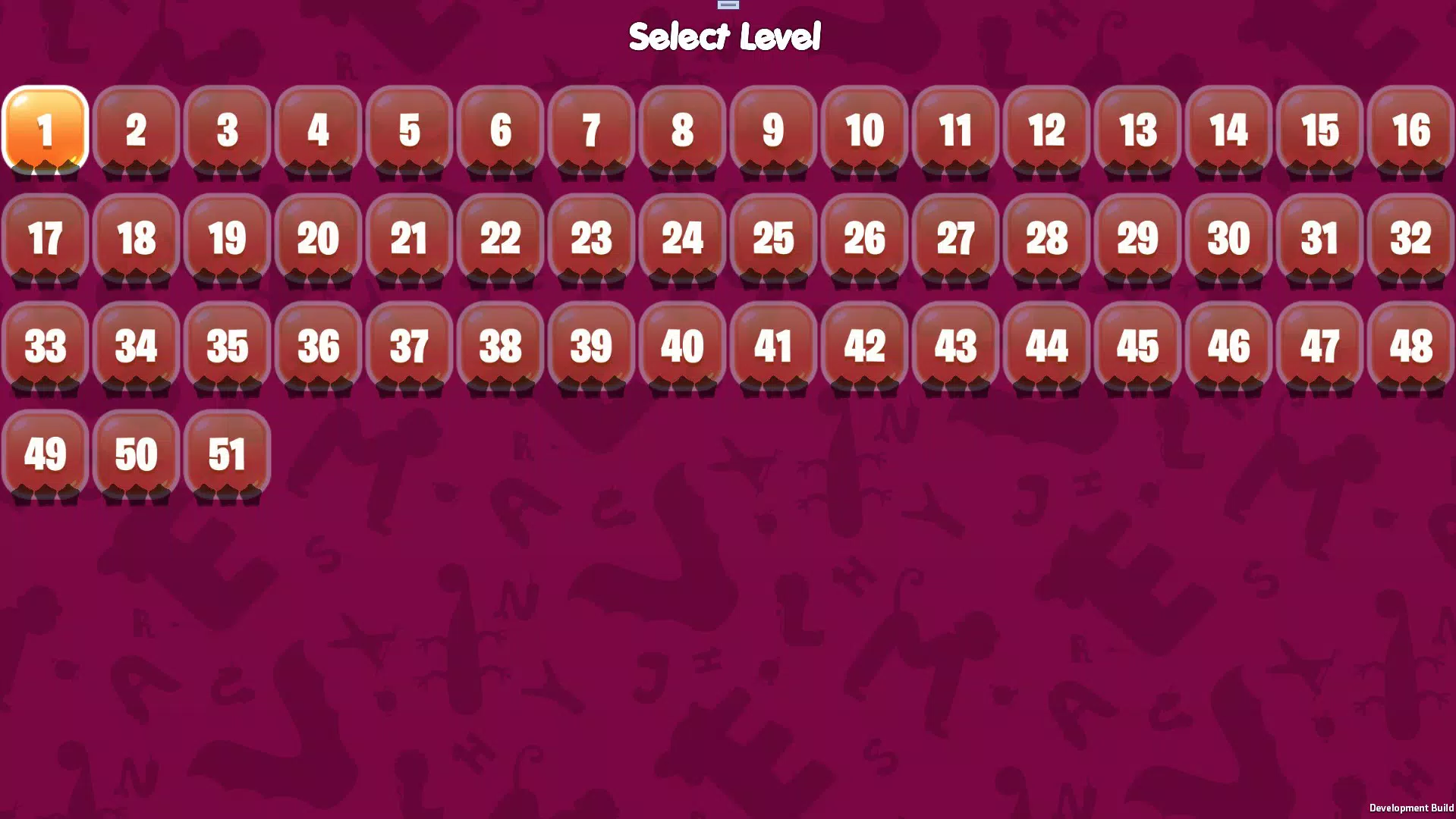
The user interface of Drag And Drop Puzzle is clean and child-friendly, prioritizing simplicity and clarity. The layout features large, easily tappable puzzle pieces and a well-organized workspace that minimizes visual clutter. Navigation is intuitive, with minimal on-screen buttons, reducing the risk of accidental actions during play.
Visual style emphasizes bright colors, rounded shapes, and clear outlines—design elements known to appeal to young children. The app’s responsiveness is consistent across devices, although specific performance metrics were not provided by the developer. The app loads quickly and maintains smooth interactions during puzzle manipulation, suggesting efficient code execution.
Although the developer did not list formal performance metrics, the app appears stable during typical use. There were no reported crashes or freezes in standard testing scenarios. The app’s lightweight design likely contributes to its consistent performance on a range of Android devices, including lower-end models. However, compatibility with specific device categories was not fully disclosed.
Platform Compatibility & Technical Requirements
Drag And Drop Puzzle is available on Android, though specific OS version requirements were not listed. The app’s file size is not disclosed, but its simple design and focus on basic functionality suggest a compact footprint. This makes it suitable for devices with limited storage capacity.
Although the developer did not specify minimum OS requirements, the app is likely compatible with recent Android versions. The absence of detailed technical information means users should exercise caution when installing on older or non-standard devices. No iOS version was mentioned in the provided data.
Pros and Cons
Pros
- Simple, intuitive interface designed specifically for young children
- Focus on skill development: problem-solving, logic, and hand-eye coordination
- Bright, engaging visuals that maintain attention and interest
- 2x2 puzzle layout ensures accessibility for toddlers and preschoolers
- Minimal distractions, promoting focused, productive play
Cons
- Specific technical requirements were not disclosed
- Developer did not provide details on update frequency or future content plans
- Only basic puzzle types are available; no indication of advanced levels or variety
- No information on parental controls or usage tracking
- Compatibility with older devices or specific OS versions was not confirmed
FAQ
Is Drag And Drop Puzzle safe for young children?
The app is designed with child safety in mind, featuring no external links, in-app purchases, or advertisements. Its simple interface and focused gameplay reduce the risk of exposure to inappropriate content.
Can I install Drag And Drop Puzzle on iOS devices?
The provided information does not indicate iOS availability. The app is confirmed for Android, but no details about iOS compatibility were shared.
How often is the app updated?
The developer did not disclose update frequency. Users should check the app store for the latest version and release notes.
Does the app require an internet connection?
Based on the available information, the app appears to function offline. All puzzle content is likely stored locally, allowing uninterrupted play without connectivity.
Is there a free version of Drag And Drop Puzzle?
The pricing information was not specified. Users should verify the current cost and availability in their app store.
Final Thoughts
Drag And Drop Puzzle delivers a focused, developmentally appropriate experience for young learners. Its strengths lie in its simplicity, visual appeal, and clear educational purpose. While the app lacks detailed technical disclosures, its core functionality is effective and well-suited for early childhood learning. It serves as a valuable tool for parents and educators seeking safe, screen-based activities that promote cognitive and motor development.
Children who enjoy puzzles and hands-on learning will benefit most from this app. Its low barrier to entry and immediate engagement make it ideal for introducing digital play in a meaningful way. For families looking for a secure, distraction-free educational tool, Drag And Drop Puzzle offers a solid starting point.
Download Drag And Drop Puzzle now


